Your Sunday, at a glance
One dashboard for every service.
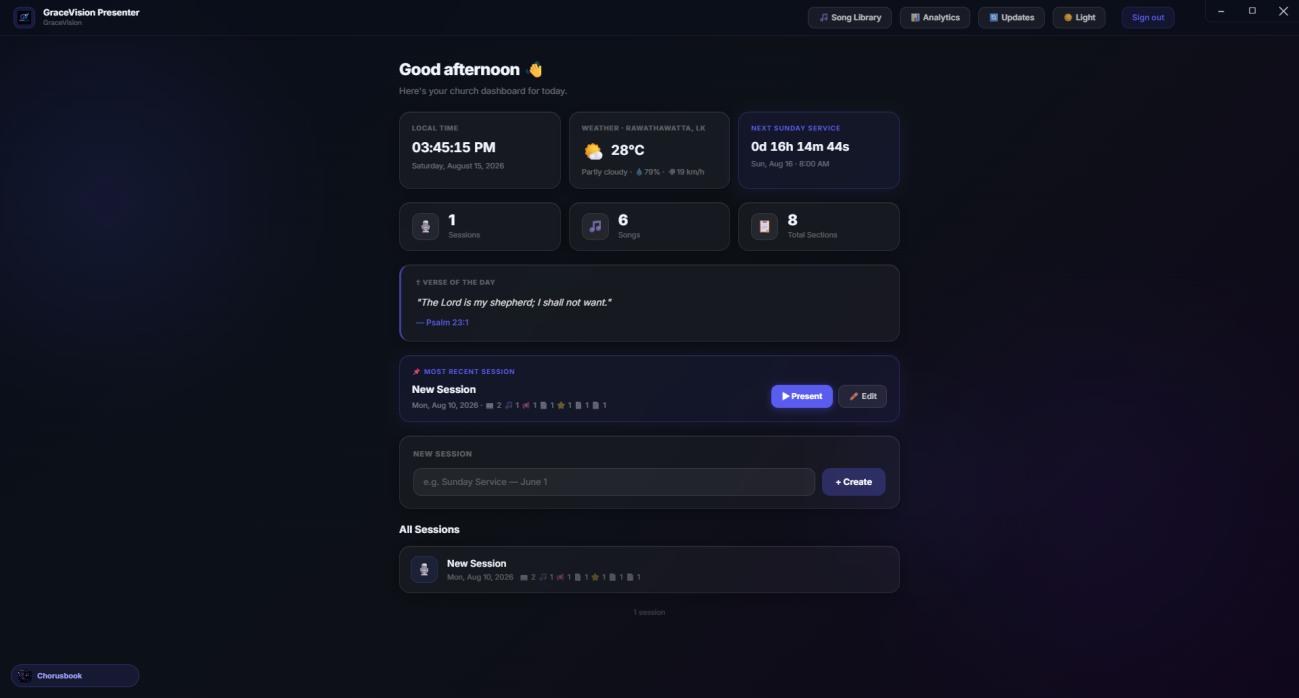
The verse of the day, local weather, a countdown to next Sunday, and every session you've ever built — open the app and it's all right there.
Lyrics, scripture in English, Tamil and Sinhala, and announcements — live on the big screen. Built for the person running slides one-handed while holding a coffee in the other.
Free forever · Works offline once downloaded · No account required
The verse of the day, local weather, a countdown to next Sunday, and every session you've ever built — open the app and it's all right there.
25 animated backgrounds — from Holy Light to Sacred Geometry — search scripture in three languages, and go live with one click. The mirror on the right always shows what's about to happen.
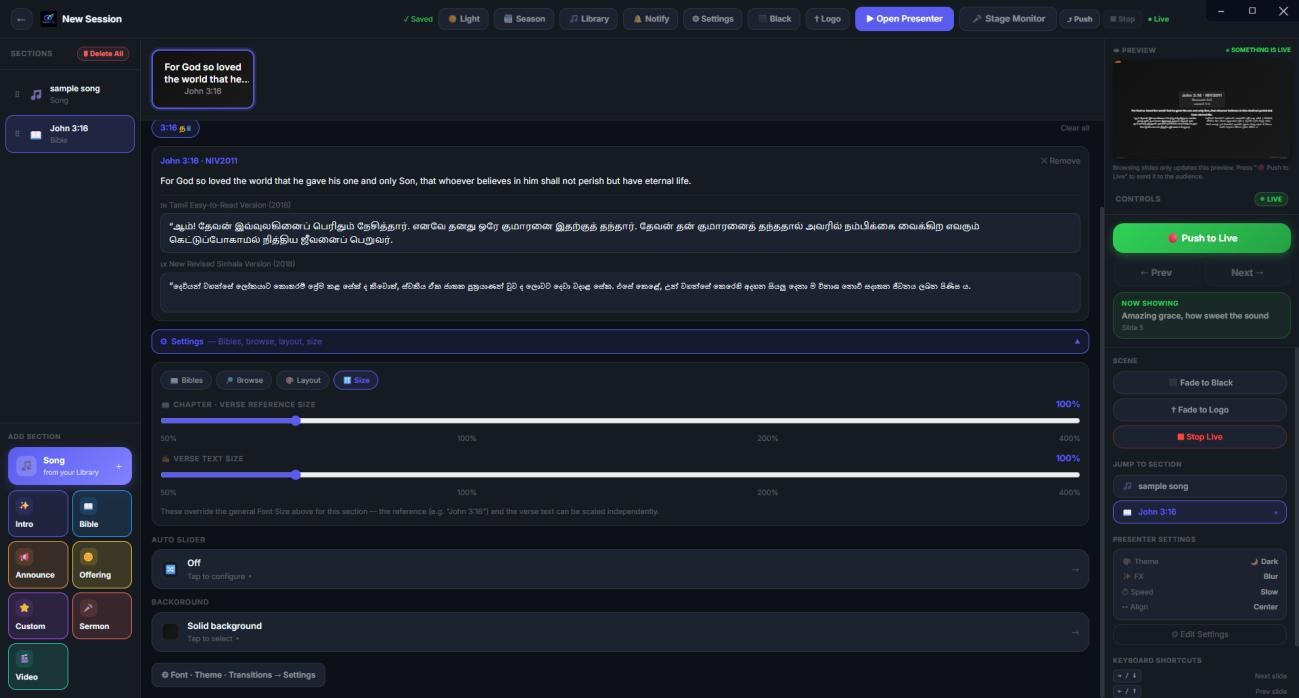
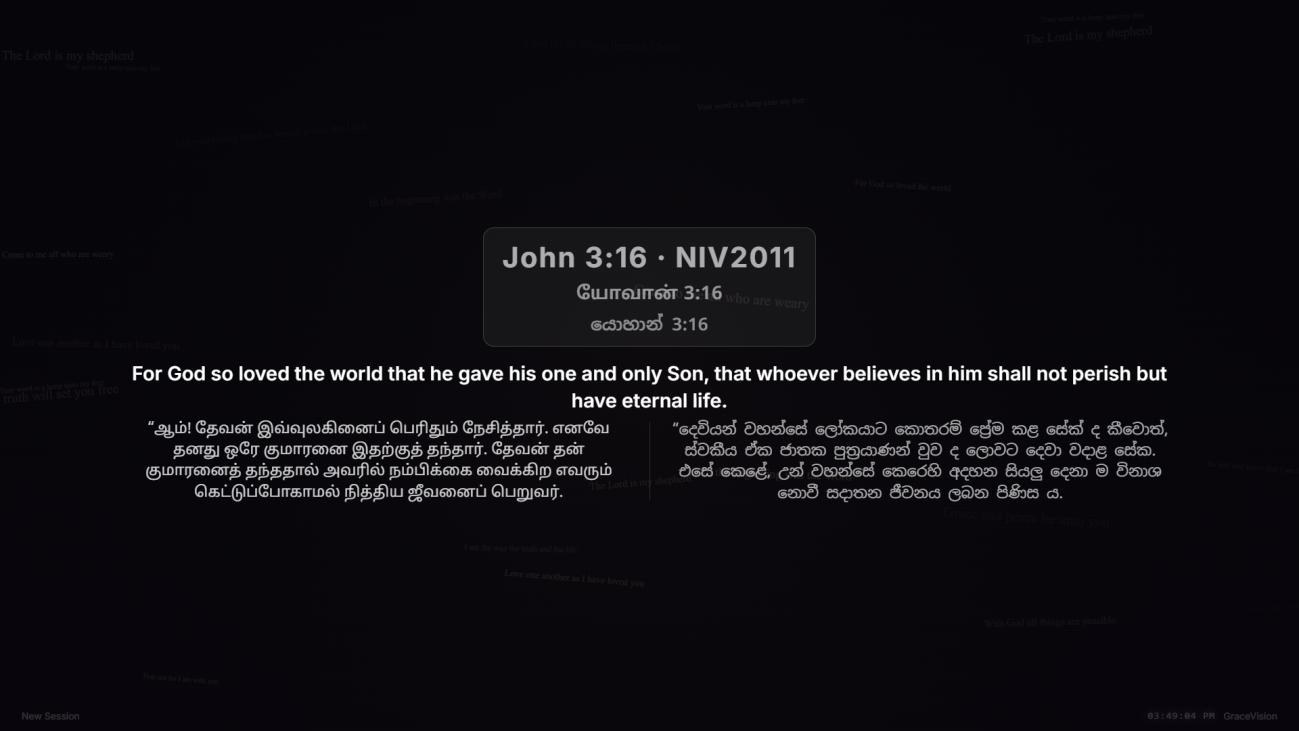
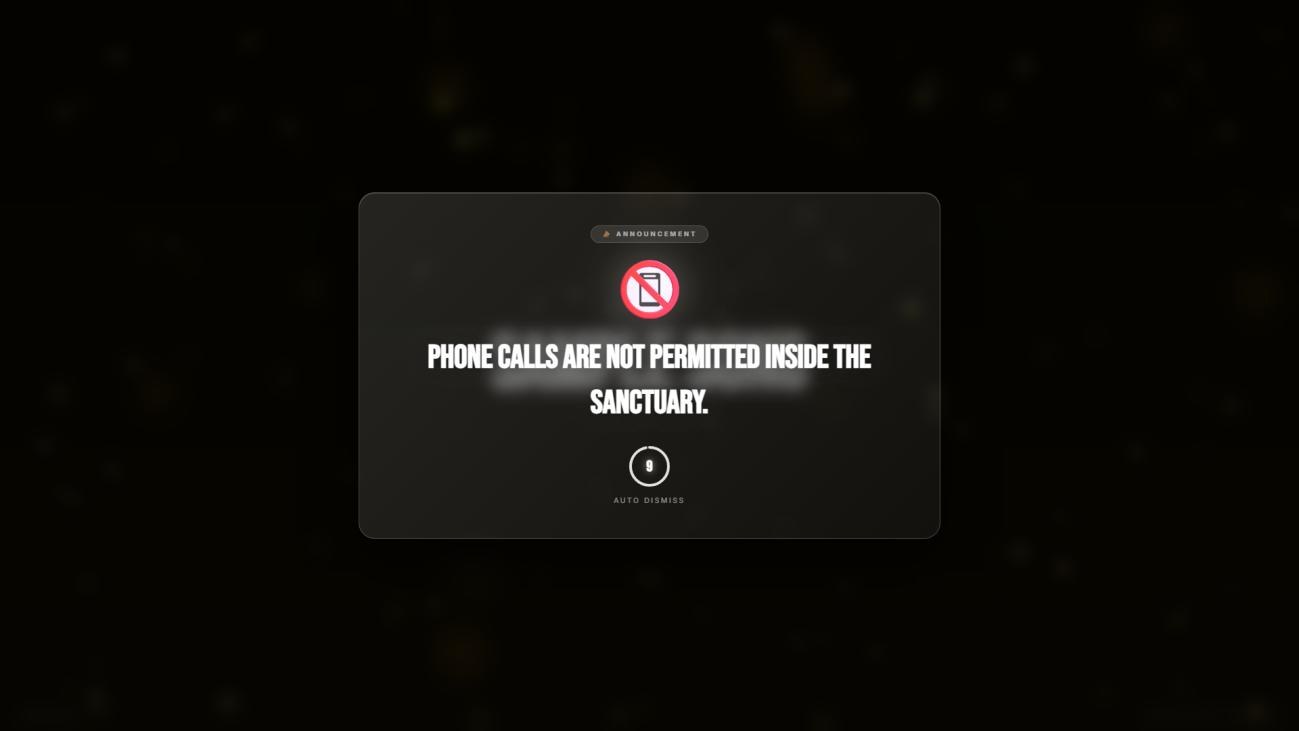
Scripture in three languages side by side, animated backgrounds behind every lyric, and announcements that dismiss themselves — so nobody's stuck fumbling for the next click mid-verse.

No IT department, no setup call, no "book a demo." Most churches are live before their next rehearsal ends.
One installer, no account, no server. Launch it and you're on the dashboard.
Start blank or from a template — "Sunday Service — Aug 16" — and you're building.
Search scripture in three languages, import your whole song list from Excel.
Plug in the projector, pick your screen, and hit Push to Live. Done.
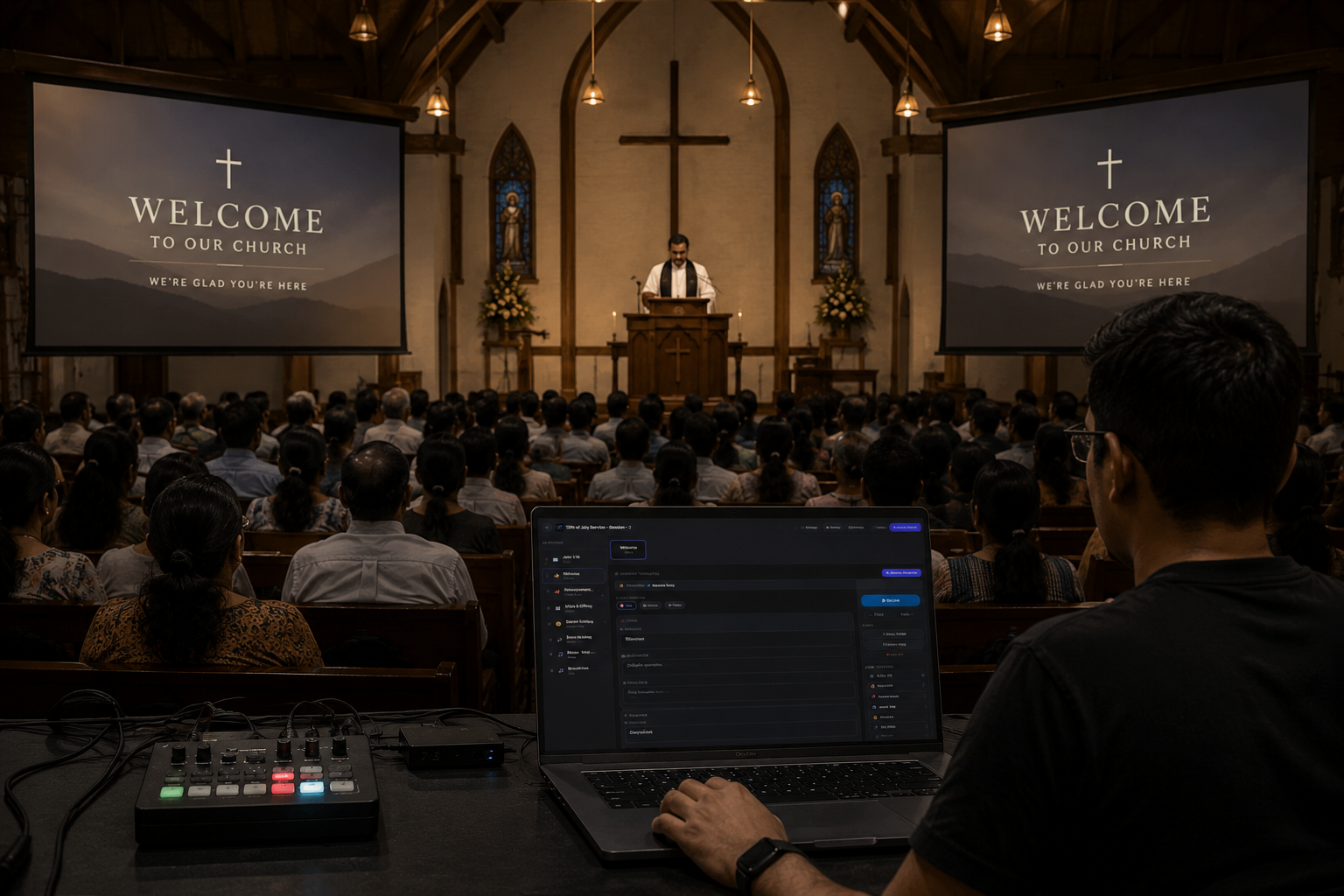
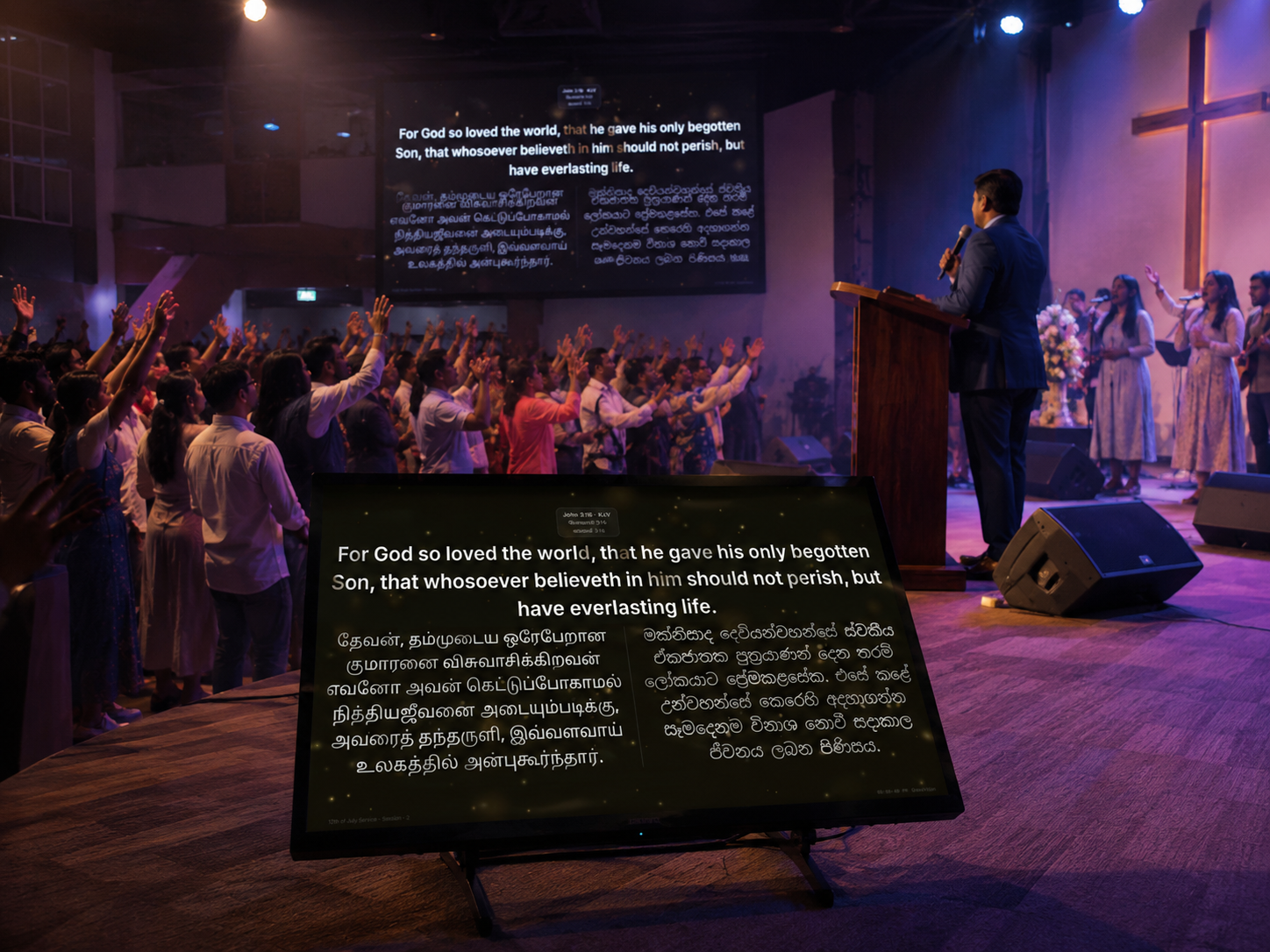
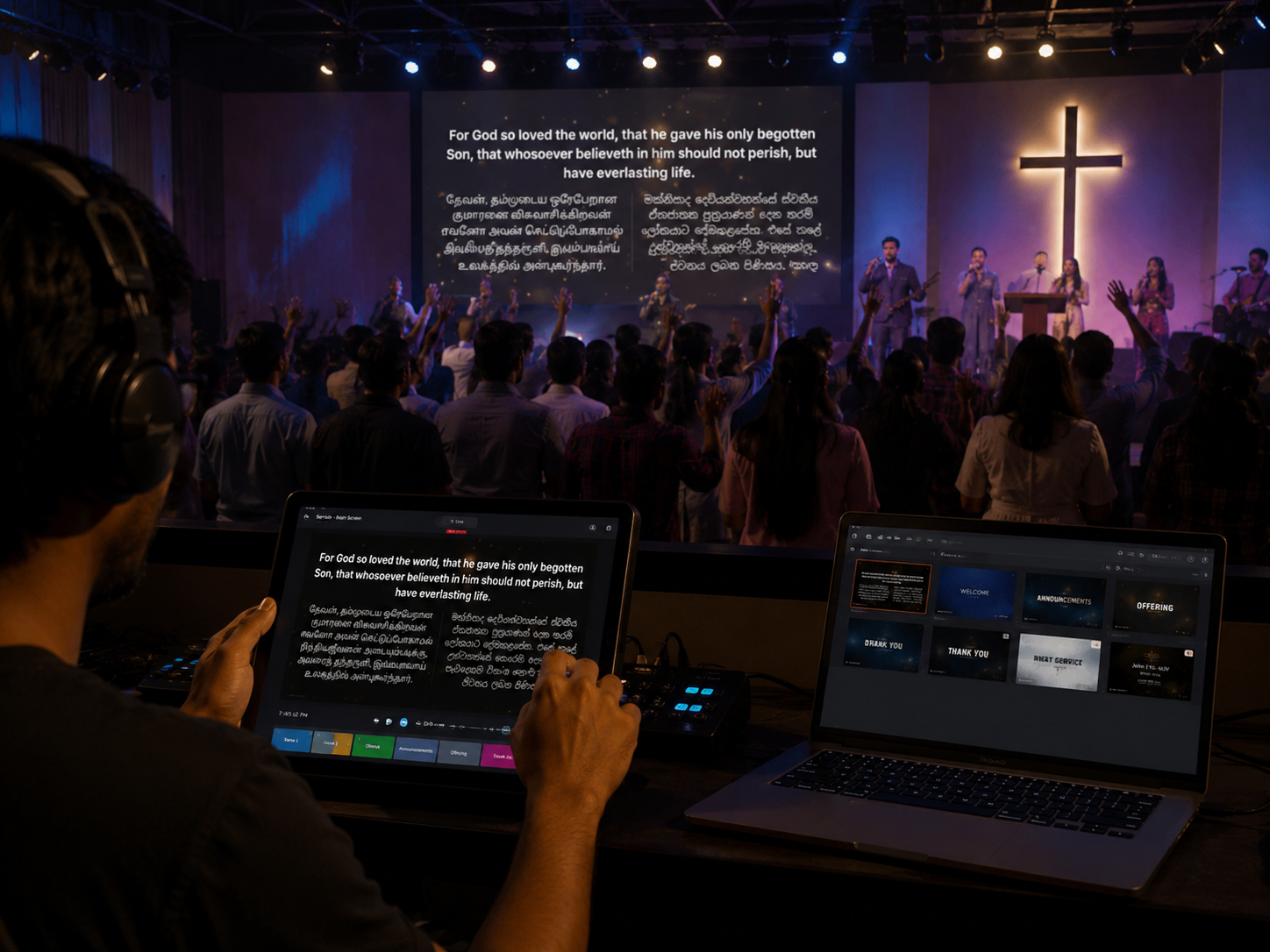
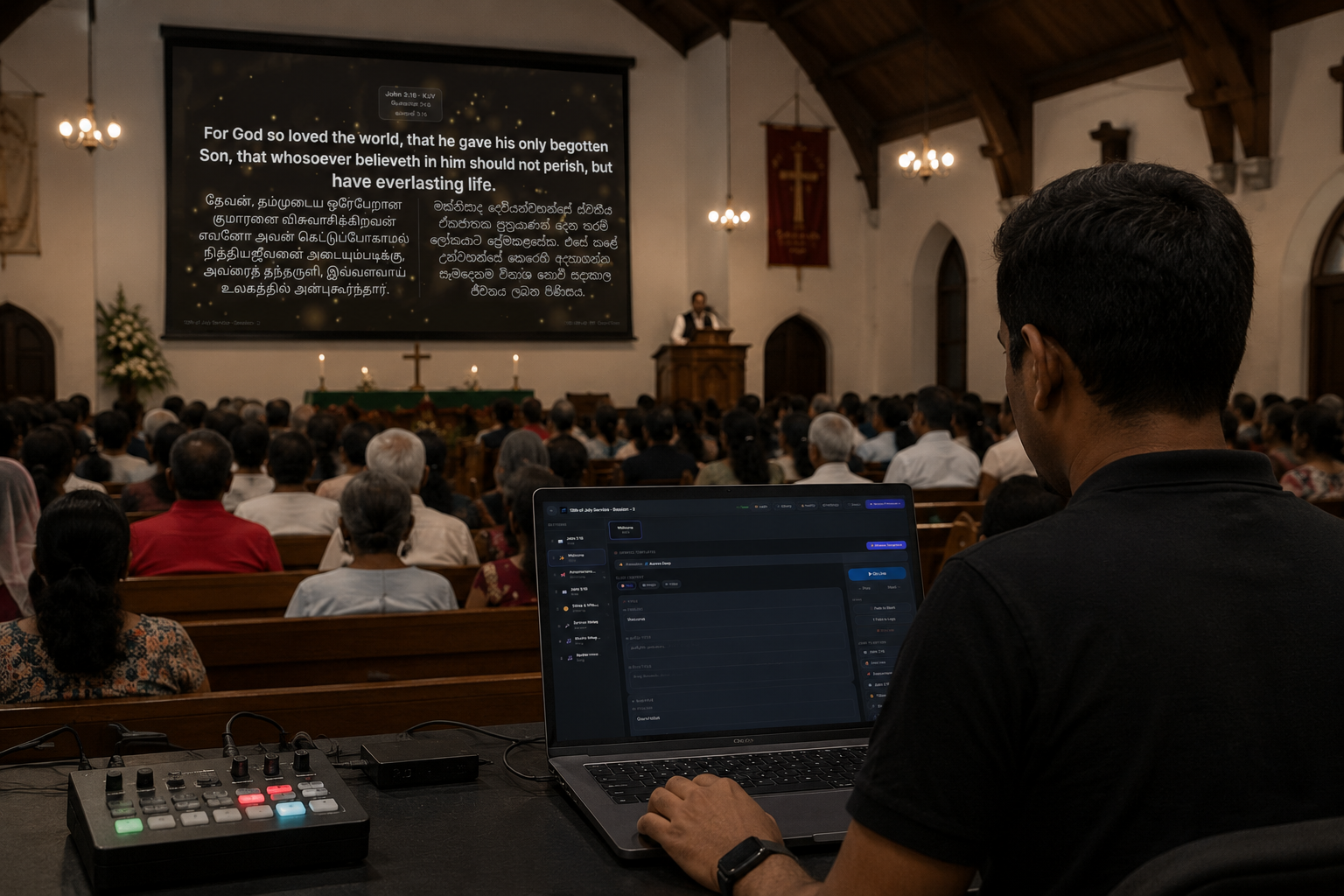
From a converted hall in Colombo to a century-old chapel — this is GraceVision Presenter running live, this week. Tap any photo to zoom in.
 ⤢
⤢
 ⤢
⤢
 ⤢
⤢
 ⤢
⤢
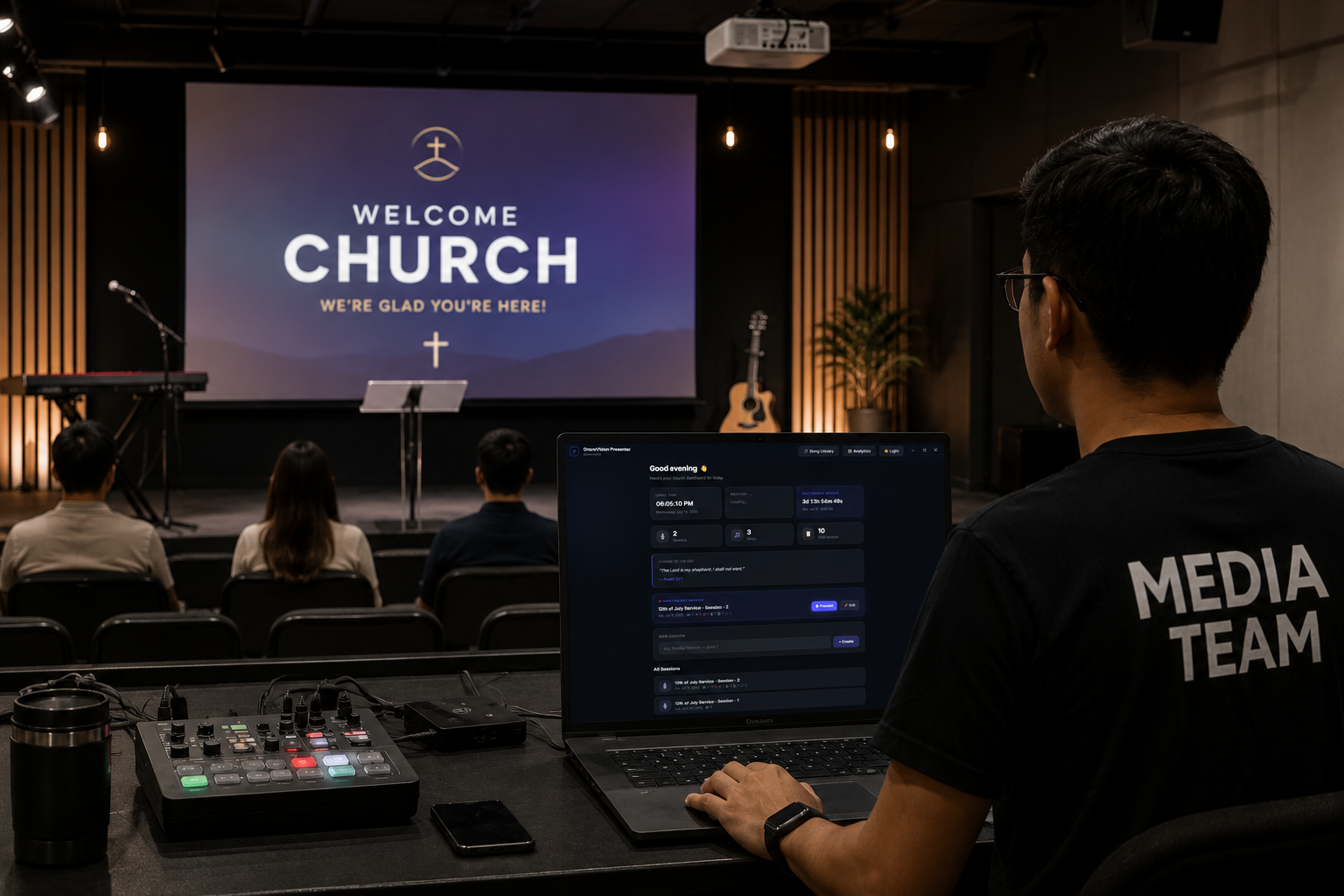 ⤢
⤢
Search scripture in three languages and show them side by side — stored locally so it works with no signal.
Holy Light, Gentle Rain, Vine & Branch, Sacred Geometry and more — or drop in a YouTube loop.
A 3D intro — starfield, cross, doves, earth — before your church name fades in. Optional, and free.
Plug in a second screen and the live output finds it automatically — no dragging windows around.
Arrow keys to move, space to push live. Runs from a laptop with a coffee in the other hand.
Set a timer once. The slide clears itself so nobody has to remember to click away.
Gold, royal purple, ocean, emerald and more — pick a look for giving slides and bank details.
Bulk-import your whole song list from a spreadsheet, then drag to reorder verses and choruses.
A built-in analytics view shows your most-used songs and most-referenced verses over time.
Scripture, offering, video, and a second screen the congregation never sees behind the scenes.
Search once, show the reference plus English, Tamil and Sinhala together — or switch to a single language mid-verse.
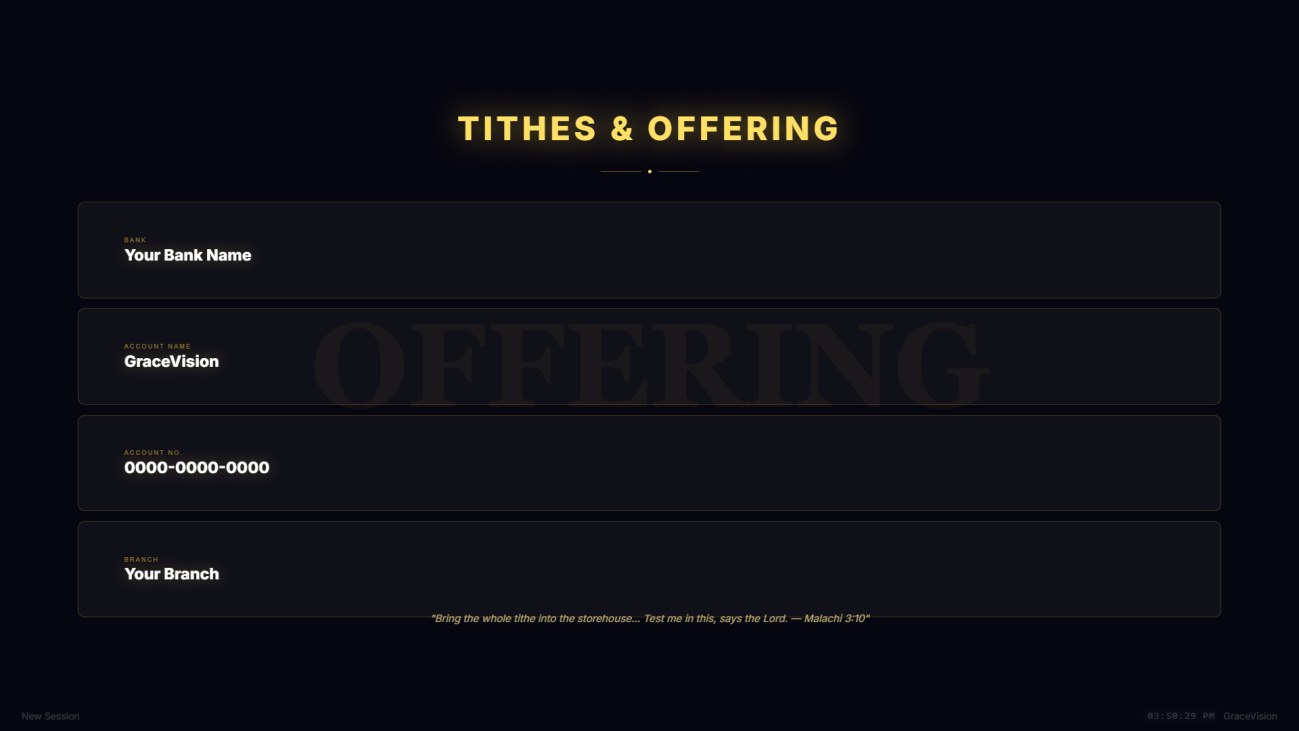
Animated giving themes so the offering slide feels as designed as the rest of the service — not a text box someone typed in five minutes before doors open.
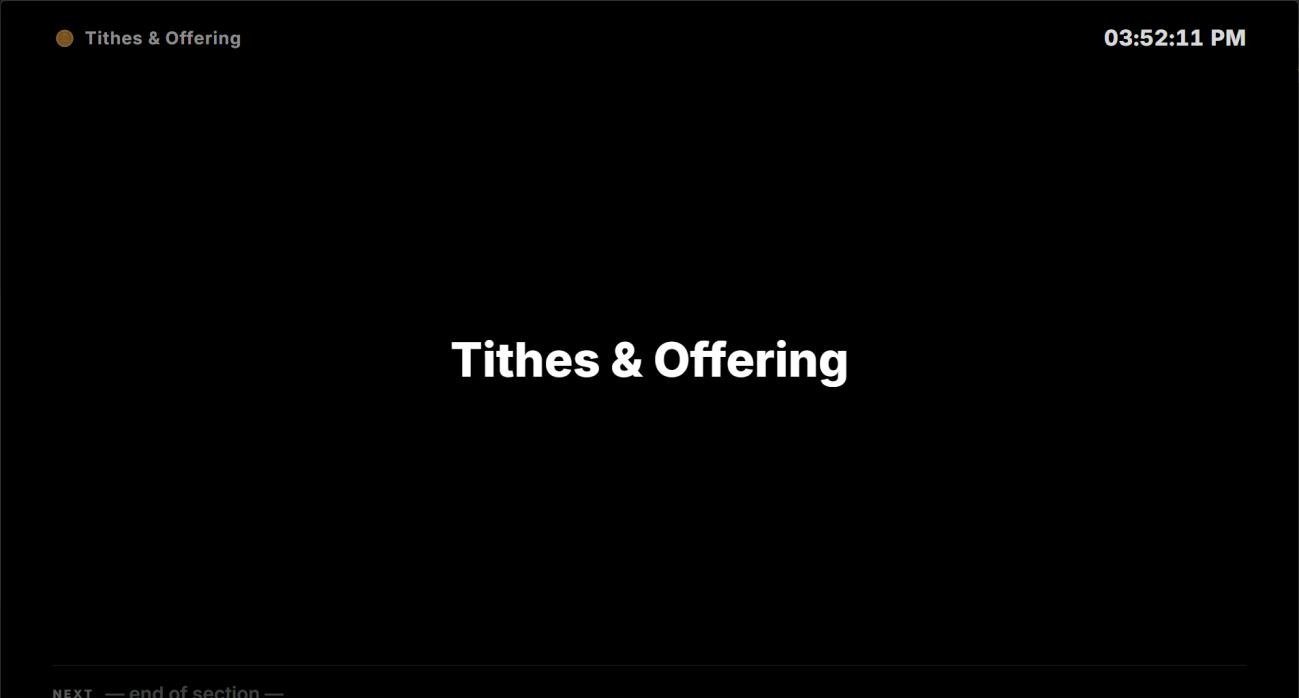
Connect a second display and pick which one is the projector. The Stage Monitor shows what's live and what's next — on your side only.
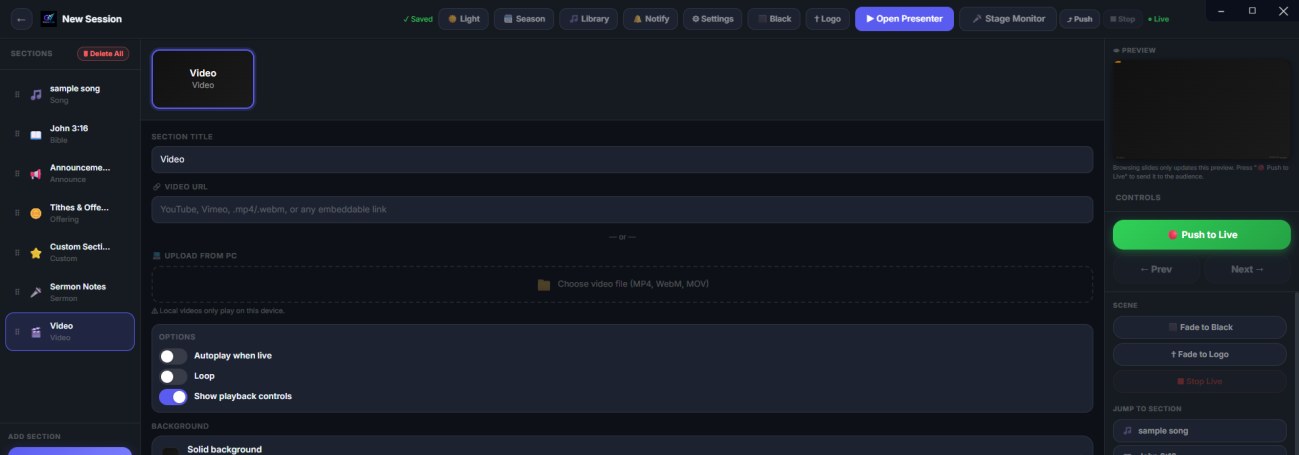
Paste a YouTube or Vimeo link, or upload an MP4 straight from your PC — with autoplay, loop and playback controls, right alongside your slides.
| GraceVision Presenter | PowerPoint / Keynote | |
|---|---|---|
| Live scripture search, 3 languages | ✓ Built in | Manual copy-paste |
| Second-screen / projector output | ✓ Auto-detect | Manual display setup |
| Self-dismissing announcements | ✓ Timer built in | Not available |
| Song library with Excel import | ✓ Bulk import | One slide at a time |
| Works with no internet | ✓ Fully offline | ✓ Mostly |
| Cost | Free, forever | License / subscription |
Yes — GraceVision Presenter is free forever, with no license fee, trial period, or "contact sales" upsell. Chorusbook is supported by optional donations, not software fees.
No. Once installed, everything — scripture, songs, offering screens, backgrounds — runs fully offline. You only need internet to download the app and, optionally, to embed a YouTube background or video.
English, Tamil and Sinhala are built in, with several translations per language, and you can show them side by side on the same slide.
It's recommended but not required — you can run with a single screen. Plug in a second display any time and GraceVision Presenter finds it automatically.
Yes — import lyrics files directly, or bulk-import your whole set list from an Excel spreadsheet, no retyping.
No license fees, no "contact sales." Download GraceVision Presenter and run your first service tonight.
What churches are saying
Used GraceVision Presenter? Leave a comment for other churches — or ask a question.